

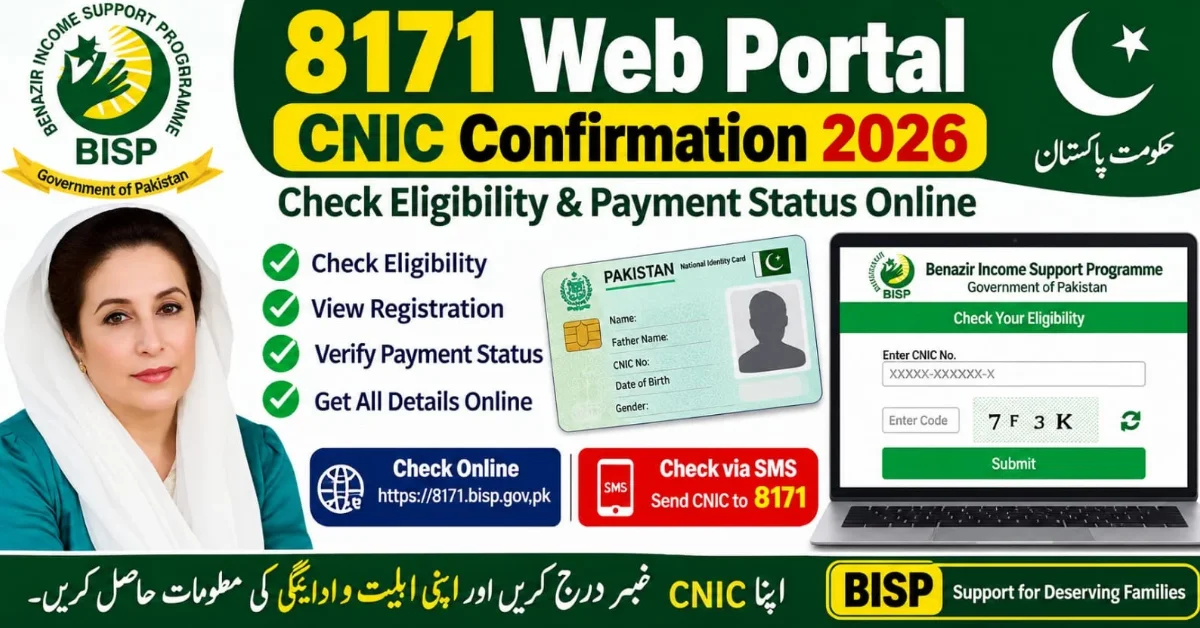
8171 Web Portal CNIC Confirmation 2026 – How to Check Eligibility and Payment Status
The 8171 Web Portal is an online system of the Benazir Income Support Programme (BISP), through which deserving low-income families and widows across Pakistan can access information about online registration, eligibility criteria, and financial assistance. The Benazir Income Support Programme provides financial support to low-income households and widows in Pakistan. Through this facility, citizens can use their 13-digit Computerized National Identity Card (CNIC Confirmation) number to verify their eligibility status and check whether they are included in the program.
The purpose of the 8171 Web Portal is to provide deserving individuals and low-income families with easy access to important information from the comfort of their homes, eliminating the need for repeated visits to BISP offices. Through this facility, applicants can conveniently check their information online. If you want to check your Benazir Income Support Programme registration, financial assistance eligibility, payment status, or payment schedule, this article will provide you with a complete guide, including the required procedures, important information, and details about the program.
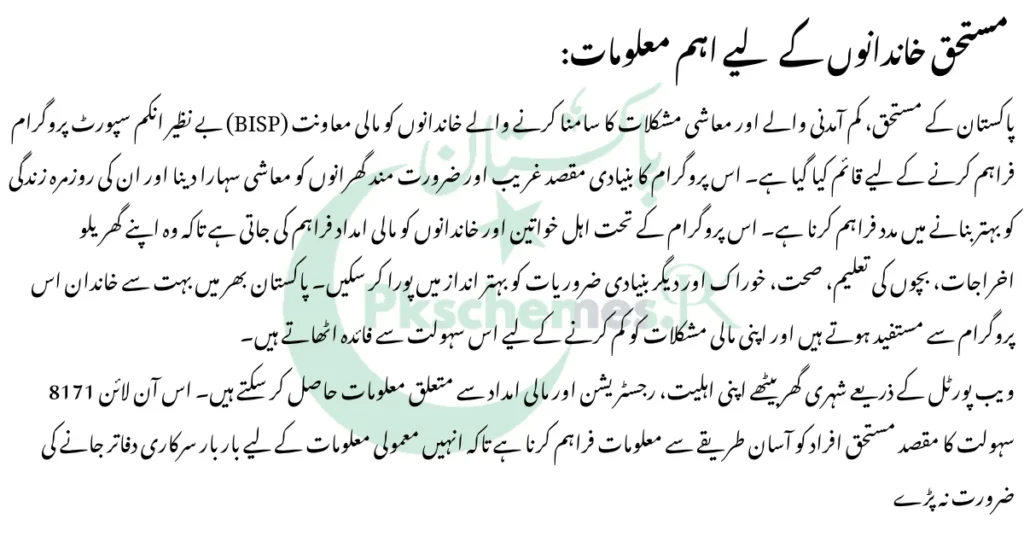
What is the 8171 Web Portal?
The 8171 Web Portal is an online system of the Benazir Income Support Programme (BISP), through which citizens can use their 13-digit Computerized National Identity Card (CNIC) number to check their eligibility and access payment-related information.
Through this portal, applicants can:
- Verify their Benazir Income Support Programme eligibility.
- Check their online status using their CNIC number.
- Get complete information about financial assistance and payment status from home.
- Check their online registration and survey status through the 8171 Web Portal.
8171 Offical Web Portal: https://8171.bisp.gov.pk/
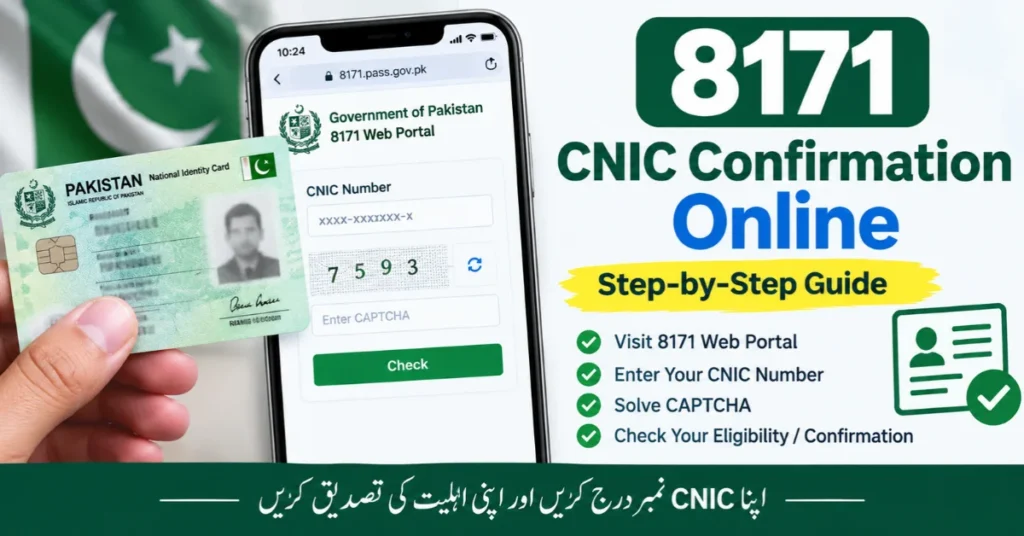
How to Check 8171 CNIC Confirmation Online?
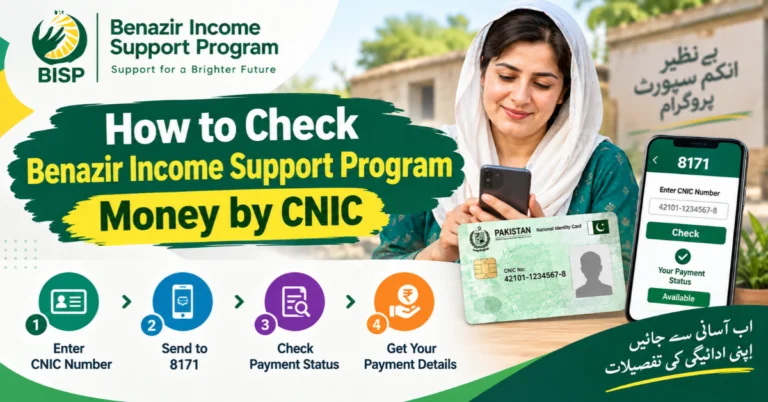
To check your CNIC online through the 8171 Web Portal from the comfort of your home, follow these important steps:
- Open an internet browser on your mobile phone or computer.
- Visit the official 8171 Web Portal of the Benazir Income Support Programme (BISP).
- Enter your 13-digit Computerized National Identity Card (CNIC) number on the web portal.
- If a CAPTCHA verification code appears, enter it correctly.
- After entering all the required information, click the Submit button.
- Review the results displayed on your screen.
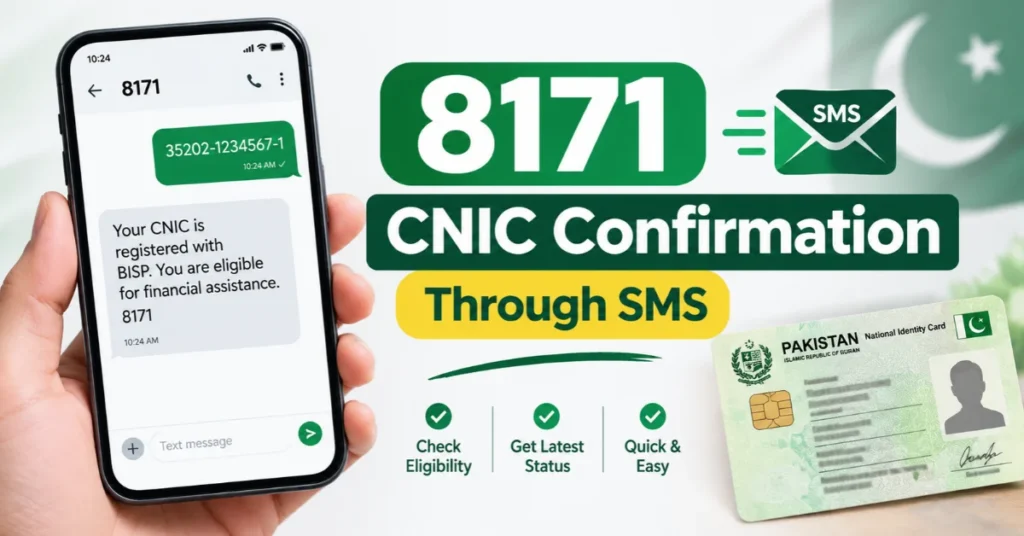
How to Check 8171 CNIC Confirmation Through SMS?
If you do not have access to the internet, you can also check your BISP eligibility and status from home through the SMS service.
Follow These Steps:
- Open the SMS application on your mobile phone.
- Enter your 13-digit CNIC number without dashes.
- Send your CNIC number to 8171.
- Wait for the response message.
- Read the instructions and information provided in the reply to check your eligibility or registration status
What Do Different Messages Mean When Checking 8171 CNIC?
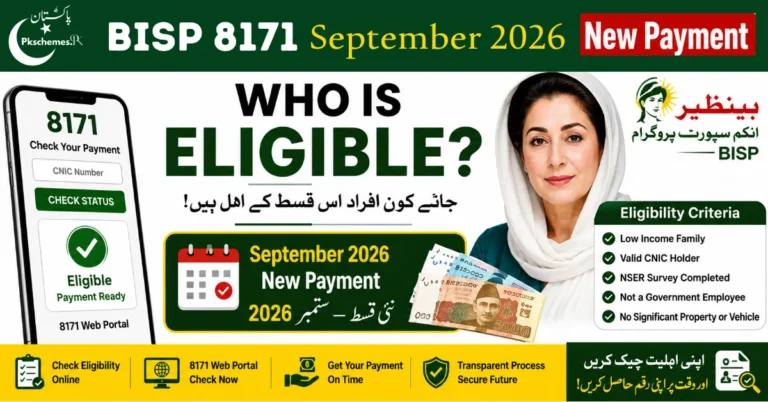
Eligible
- If you receive an eligible status, it means your record meets the program’s eligibility requirements. Confirm your payment status separately.
Under Verification
- This means your record is still being reviewed. Contact your nearest BISP Tehsil Office for further information.
Not Eligible
- If you are declared ineligible, contact the BISP office to check your information and survey status.
Record Not Found
- If your record is unavailable, your survey or registration may not be completed. Visit the relevant BISP office to verify your information.
Required Documents for BISP Registration
Keep the following documents available for registration or the Dynamic Survey:
- Original National Identity Card (CNIC).
- Children’s B-Forms, if applicable.
- Accurate household information.
- An active mobile phone number.
How to Check 8171 Payment Status?
If you are already registered with BISP, you can check your payment status using your CNIC.
- Steps to Verify Your Payment:
- Check the official 8171 Web Portal.
- Review the message received from 8171.
What to Do If You Face Problems With 8171 CNIC Confirmation?
If the web portal is not working or your record is not appearing, follow these steps:
- Try again after some time.
- Make sure your CNIC number is entered correctly.
- Visit your nearest BISP Tehsil Office.
- Verify your survey and registration information.
BISP Helpline: 0800-26477
Important Instructions Regarding the 8171 Web Portal
- Never pay anyone for BISP registration.
- Do not share your OTP, banking PIN, or sensitive information with unauthorized individuals.
- Be careful of fake websites and unverified WhatsApp messages.
- Always rely on information from official government sources.
Frequently Asked Questions
Question 1: How can I check my CNIC through the 8171 Web Portal?
Answer: Enter your 13-digit CNIC number on the official 8171 Web Portal to check your eligibility and available status information.
Question 2: Can I check my eligibility by sending an SMS to 8171?
Answer: Yes, send your CNIC number without dashes to 8171 to check your available status information.
Question 3: Is BISP registration free?
Answer: Yes, BISP registration and the Dynamic Survey are free of charge.
Question 4: What should I do if my CNIC record is not found?
Answer: Visit your nearest BISP Tehsil Office to check your record and Dynamic Survey status.
Question 5: Where can I submit a BISP complaint?
Answer: Contact the official BISP helpline at 0800-26477.
Conclusion
The 8171 Web Portal CNIC Confirmation service provides an easy way for deserving families to check their eligibility and payment information. Citizens can check their status online or through SMS using their CNIC number. For accurate information, always use official BISP sources.
Official Website: https://8171.bisp.gov.pk/
Disclaimer: This article is provided for informational purposes only. PKSchemes.pk does not represent any government department and does not issue BISP registrations or payments.


One Comment