
8171 Tracking Portal 2026: Check CNIC, Eligibility and BISP Status
The 8171 Tracking Portal 2026 is an official website where families can check their eligibility information. For those who have already taken part in a household survey for the Benazir Income Support Programme (BISP), or those who are waiting to update their eligibility status, or those who are already receiving financial assistance, checking eligibility status can help to know what to do next.
Using the official website, families can enter their Computerized National Identity Card (CNIC) number and the verification code that can be seen on the screen. The result that can be seen on the portal is based on the information that is available for the household. Households may be asked to check with an authorized BISP office if more information is needed for verification.
It is important to note that checking CNIC does not necessarily mean that a payment has been issued. Household eligibility, registration and payment availability are separate, so it is important to follow the latest instructions.
This guide will explain how to check CNIC online, understand the result, resolve common record issues and find out how to get support if more help is needed. Also Read: 8171 New Registration Process
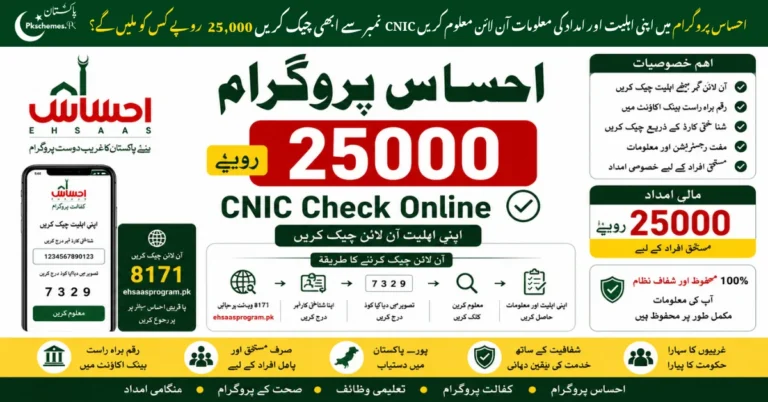
How to Check CNIC on the 8171 Tracking Portal 2026
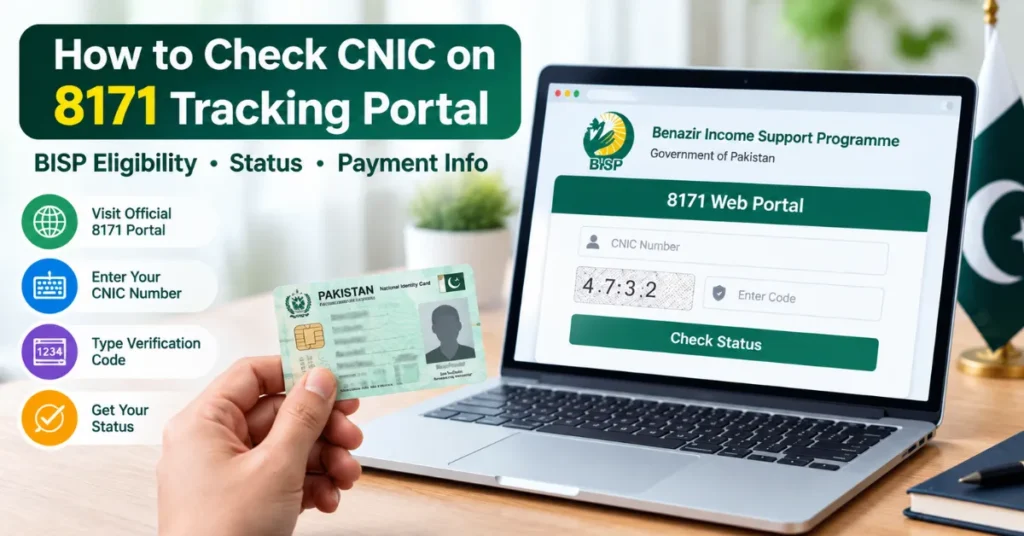
You can start by checking your information online rather than immediately travelling to a BISP office. Follow these steps:
- Visit the official 8171 Tracking Portal.
- Find the field asking for your CNIC number.
- Enter your 13-digit CNIC number accurately.
- Type the verification code shown on the page.
- Submit the information.
- Read the result displayed by the system and follow any instructions provided.
What Is the 8171 Tracking Portal Used For?
The portal helps people check household eligibility information related to BISP. It is particularly useful for families who want to know whether their records can be checked online or whether they need further guidance.
Here is a simple overview of the available routes:
| Your requirement | Recommended action |
|---|---|
| Check household eligibility | Use the official 8171 portal. |
| Check information without internet | Try the official 8171 SMS service. |
| Resolve a missing or incorrect record | Contact an authorized BISP tehsil office. |
| Ask about registration or a survey | Request guidance from BISP staff. |
| Confirm whether an installment is available | Follow official payment messages and instructions. |
| Report a payment deduction or suspected fraud | Contact BISP through official channels. |
How to Check 8171 Status by SMS
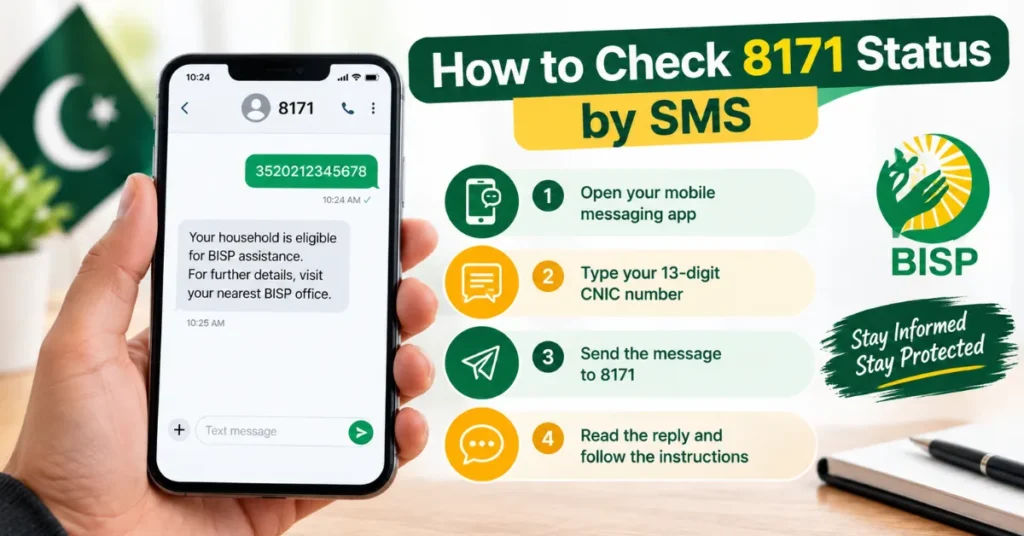
If you don’t have access to the internet, you can apply using an official SMS service.
- Open your phone’s messaging app.
- Type your 13-digit CNIC number.
- Send it to 8171.
- Read the reply and follow the instructions.
Use the official number only. BISP has designated 8171 as their official contact, so be wary of other numbers claiming to belong to the organization.
Read More: 8171 Web Portal CNIC Confirmation 2026 – How to Check Eligibility and Payment Status
Understanding your 8171 tracking result
The result shown in the portal will tell you what to do next. Do not assume that you are permanently rejected if your record is not found, or that you are approved for payment if you are eligible.
- If your household appears eligible: Follow the instructions given for your case. In order to receive an installment, you must first verify that the payment has been authorized and the relevant collection instructions apply to you.
- If additional verification is required: Ask an authorized BISP tehsil office if your household record or survey needs to be updated. Bring your original CNIC and any documents the office requires.
- If no record is found: Verify that you have entered the correct CNIC. If the same problem persists, ask BISP personnel to review your household information.
- If you are asked to complete a survey: BISP uses its Dynamic Registry process to collect and update household information. Ask an authorized office if a new survey or record update is required in your case.
How to Register for BISP if Your Record Is Missing
Checking your CNIC on the 8171 portal is not the same as applying for a new BISP registration. If your household has not taken part in the survey process, or if there are changes that need to be made, contact an authorized BISP registration or tehsil office.
Follow these steps:
- Go to an authorized BISP office and ask them about the Dynamic Registry process.
- Bring your original CNIC.
- If you are asked to bring in any additional household documents, you may need to do so.
- Give accurate information during the survey or record update.
- Keep any reference information or receipt that is provided to you.
- Wait for an official notification about your household status.
Read More: 8171 BISP Payment Verification 2026 – Check Payment Status by CNIC
Is your BISP payment released after checking 8171?
One of the most common questions is whether an eligible result means that the money has already been released. The answer is no. Both eligibility checks and payment confirmations have their own separate purposes. Just because your family is eligible for the payment does not mean that you can just go to any payment centre and ask for the money. You have to make sure that the exact payment has been approved following the specific instructions provided for your case.
Things to bear in mind before going to any payment centre:
- Look out for any message from the number 8171.
- Make sure to follow each instruction given on the message.
- Double-check everything by contacting the official BISP sources if needed.
- Count the amount you have received and remember to keep the receipt if you have been given one.
- Report any unauthorized deductions to the appropriate BISP channels.
Why Is the 8171 Tracking Portal Not Working?
Sometimes users cannot open the website or receive a clear result. This does not necessarily mean that their household has been rejected.
Try the following solutions:
- Check your internet connection.
- Make sure you have opened the official portal.
- Enter your CNIC without typing mistakes.
- Refresh the page or try again later.
- Enter the verification code exactly as displayed.
- Contact BISP if the problem continues or your record appears incorrect.
Read More: Ehsaas Tracking ID 2026 – Check Application Status by CNIC
Official BISP Helpline and Support
If your record is missing, your eligibility result is unclear or you have a payment complaint, use official BISP support channels.
- 8171 portal: https://8171.bisp.gov.pk/
- Official BISP website: https://www.bisp.gov.pk/
- BISP helpline: 0800-26477
Conclusion
The 8171 Tracking Portal 2026 provides a convenient option for checking information about eligibility of your family members under BISP. For this, you are required to enter your CNIC number carefully and go through the results before taking any further action or contacting any approved BISP office for verification purposes.
For any type of inquiries regarding registration and payment procedures, it is better to follow the official rules and regulations of the BISP rather than any unauthorized news channels that may mislead you and waste your time and money on irrelevant issues.